How to Delete Your Account in the Ijome Game App
Follow these steps to delete your account:
- Open the app and go to Play after the Login.
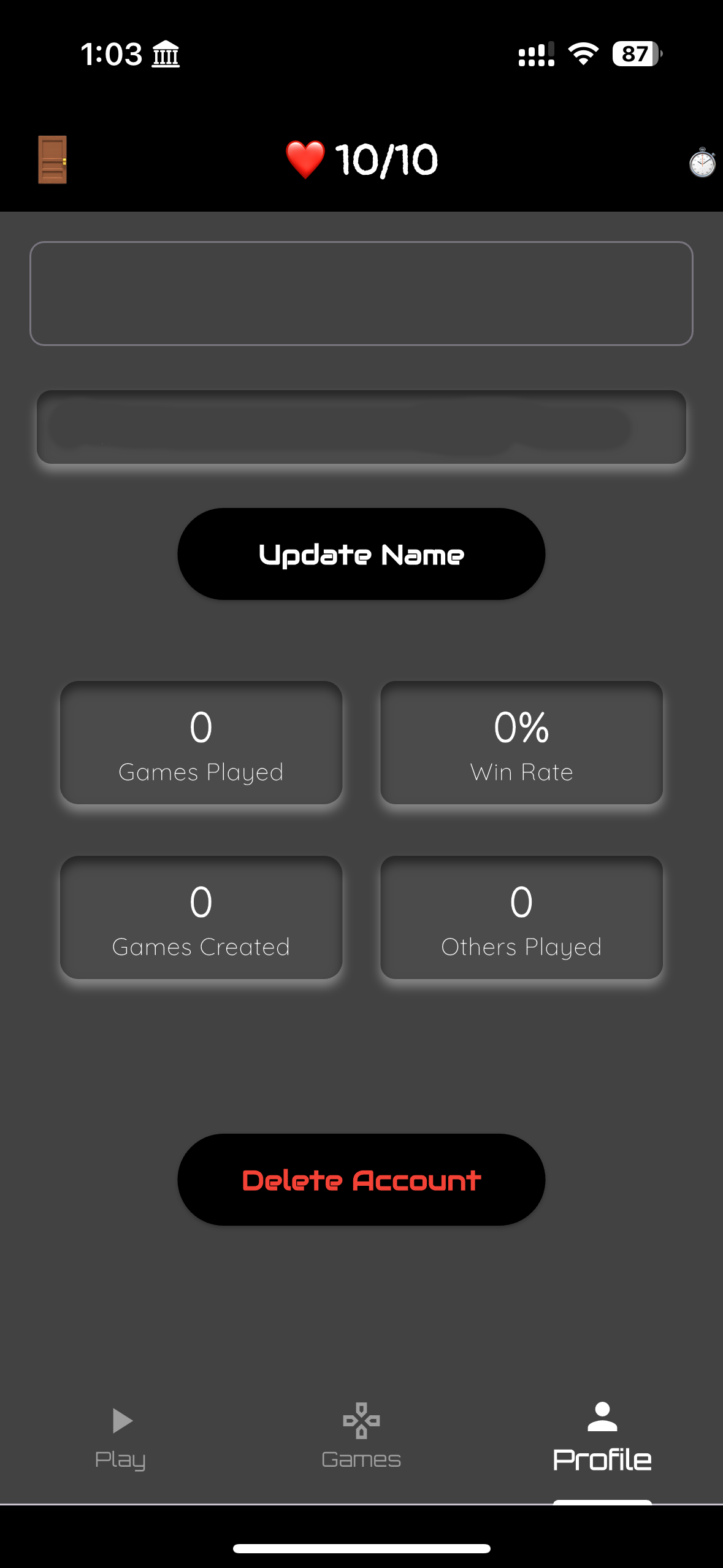
- Go to Profile tab.
- Tap on Delete Account.
- Confirm your choice.
Note: Deleting your account is permanent and cannot be undone.